
Sending Documents to Assista
Send Your Documents
Here's when to send documents, how to send them today, and what to expect once we receive them.
When to send documents
Send documents once Assista has confirmed what's needed for your request — typically after you've submitted a quote request or spoken with us. Sending documents beforehand can mean sending things we don't need, or missing something we do.
Request a Quote
Assista reviews your request
We tell you exactly which documents are needed
You send your documents by WhatsApp or email
We confirm receipt and guide you through the next step
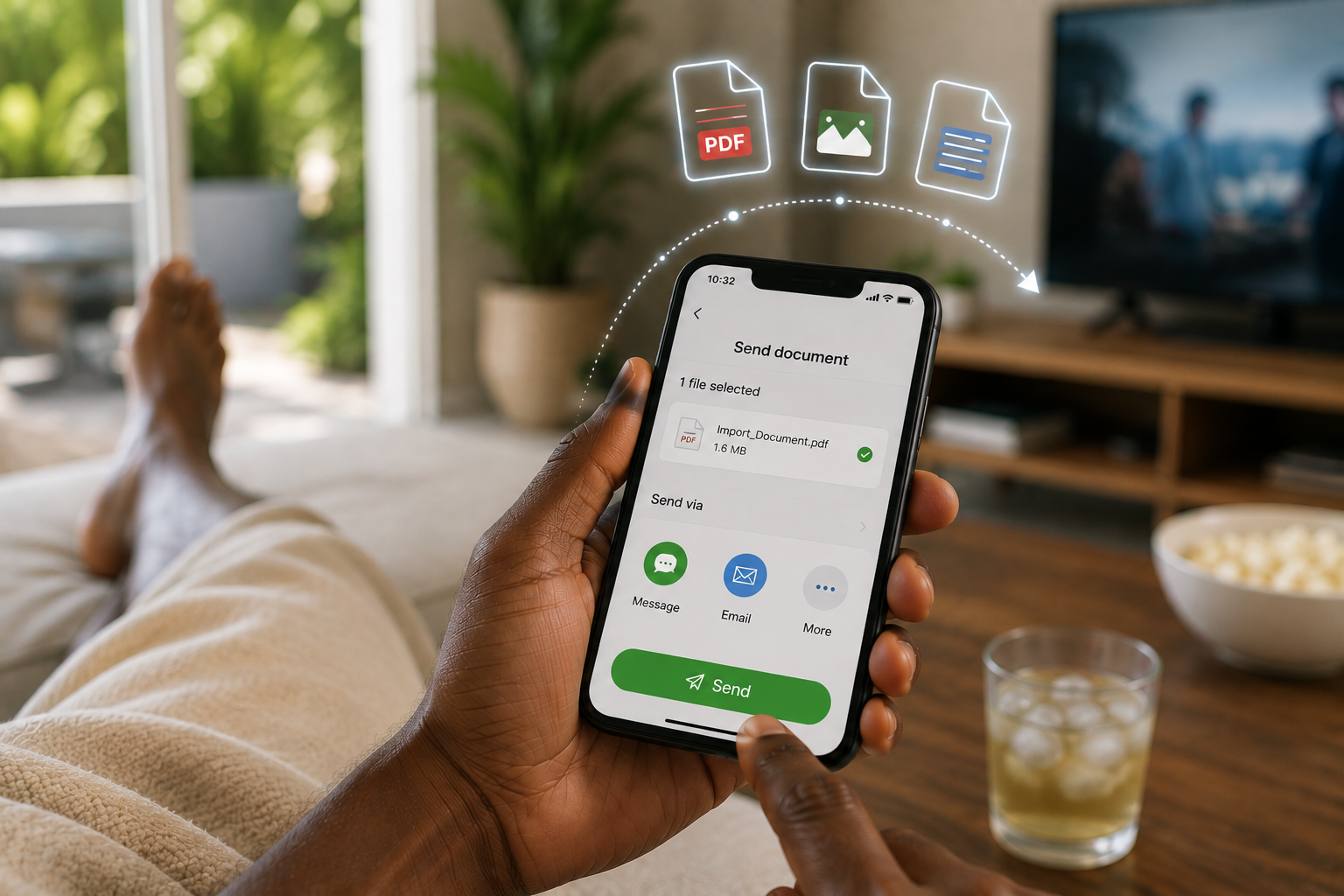
Send documents from wherever you are
You don't need to visit an office. Whether you're at home, at work, or on the go, sending a document to Assista is as simple as sharing a file from your phone.
How to Send Your Documents
At this time, documents can be sent to Assista by WhatsApp or email. These are the only channels currently available.
Neither channel is a dedicated secure upload facility. If a formal secure upload system becomes available, this page will be updated to reflect it.
What we may ask for
Depending on your request, this might include:
Commercial Invoice
Bill of Lading / Air Waybill
Packing List
Permits or Licenses
Identification
Other Supporting Documents
We'll tell you what's actually needed for your situation — this list is illustrative, not a checklist to send all at once.
How to Take a Good Photo of Your Documents
A clear photo helps us review your documents faster and reduces the chance that we'll need to ask you to resend them.
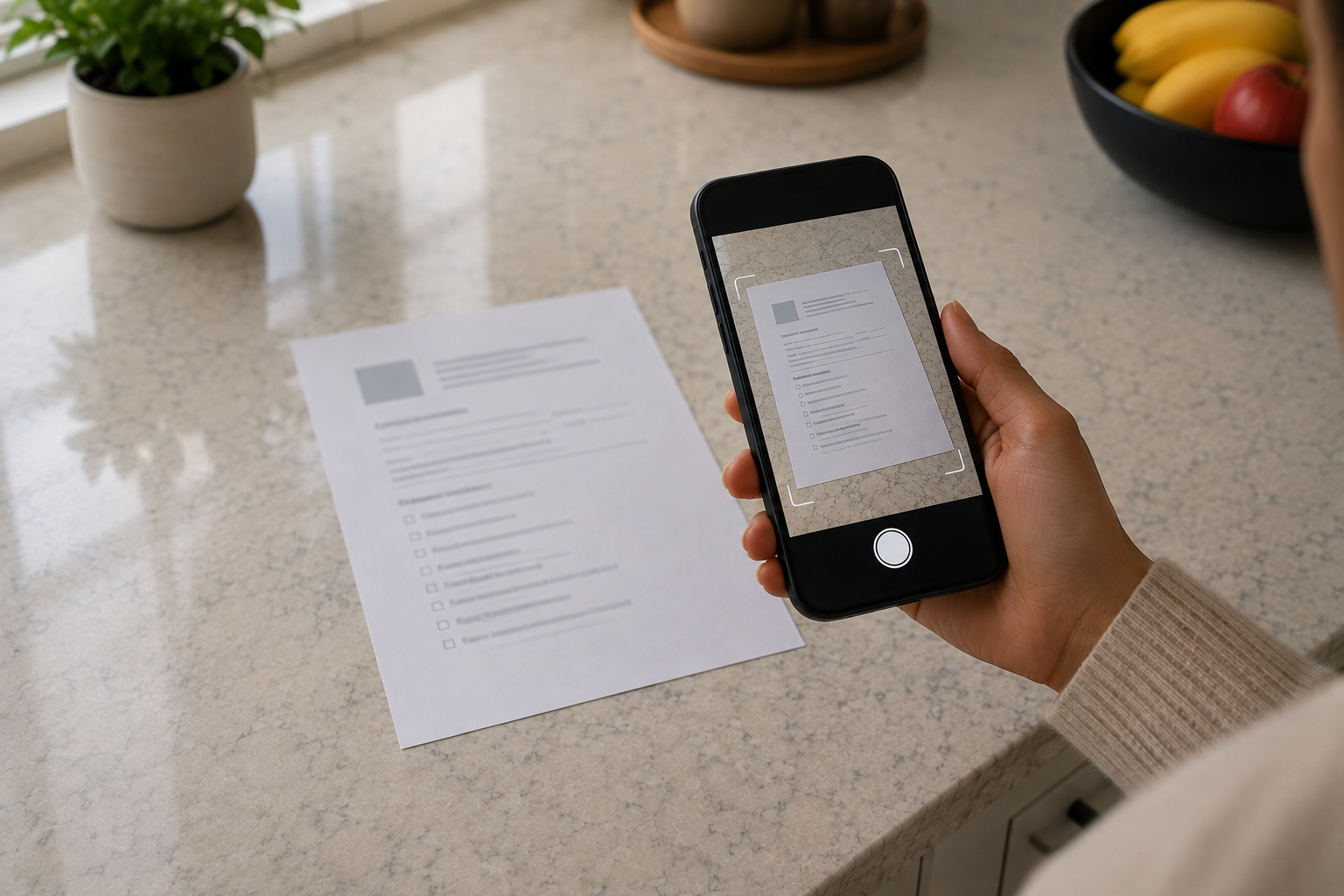
- Lay the document flat on a well-lit surface.
- Hold your phone directly above the page.
- Make sure the entire document is visible.
- Avoid shadows, glare, blur, or cropped edges.
- Send all pages if the document has multiple pages.
Common formats (PDF, JPG, PNG) are generally fine.
Please avoid sending unnecessary sensitive information
What happens after we receive your documents
We review what you sent
Checked against your request for completeness and clarity.
We flag anything missing or unclear
You'll hear from us if something needs to be resent.
We follow up with next steps
Timing depends on the complexity of your request.
Related notices
For full detail on how documents and information are handled, please read:
Don't have a request with us yet?
Start with Request a Quote so we know what your documents are for — it only takes a few minutes.
Request a Quote